


A few updates and some rain shots...


A few updates and some rain shots...
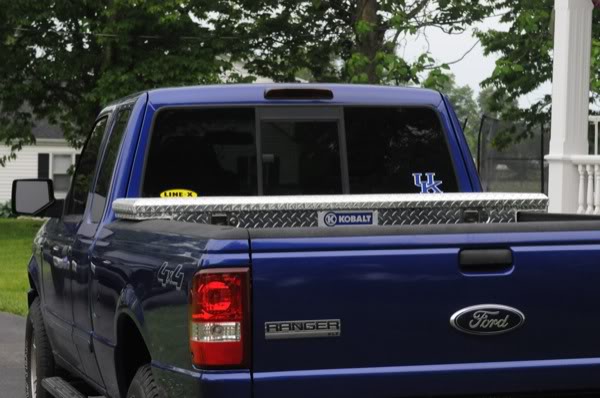
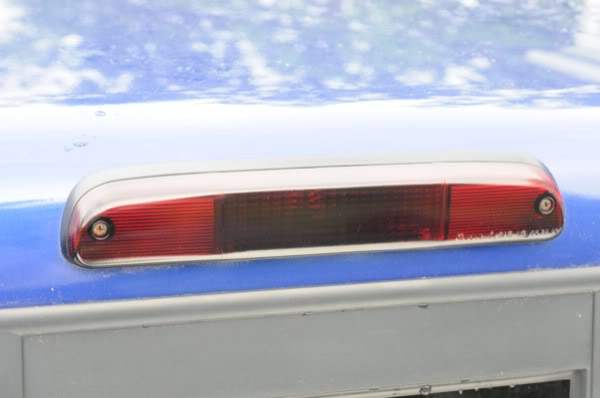
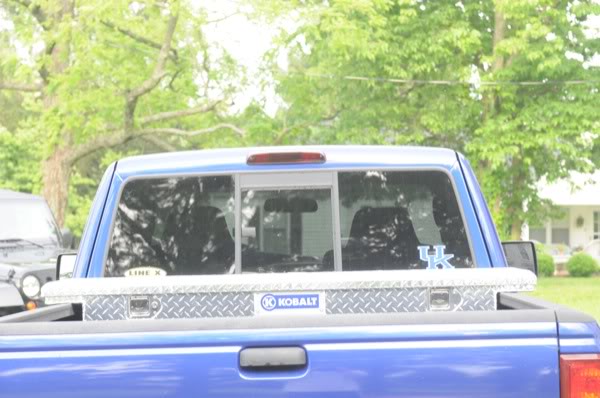
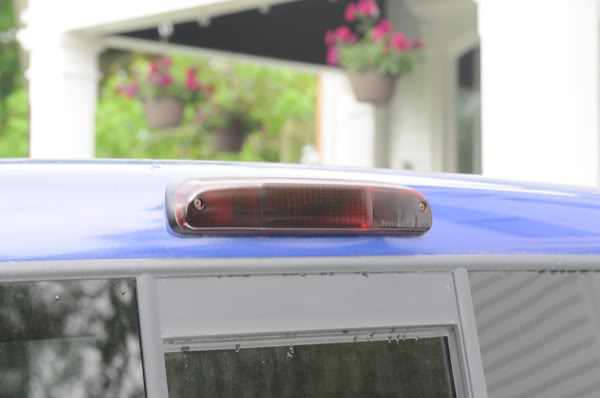
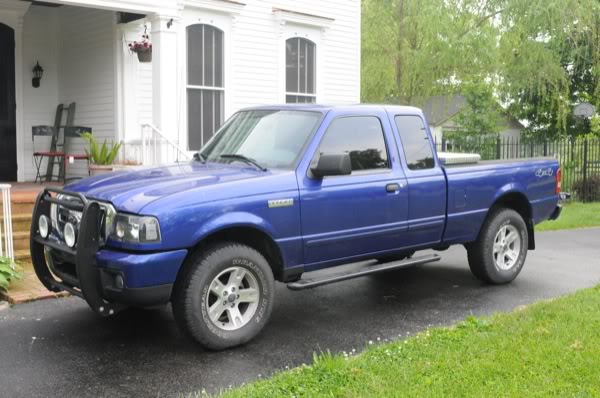
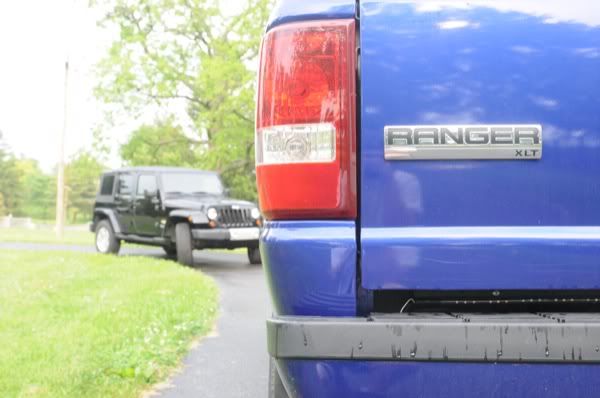
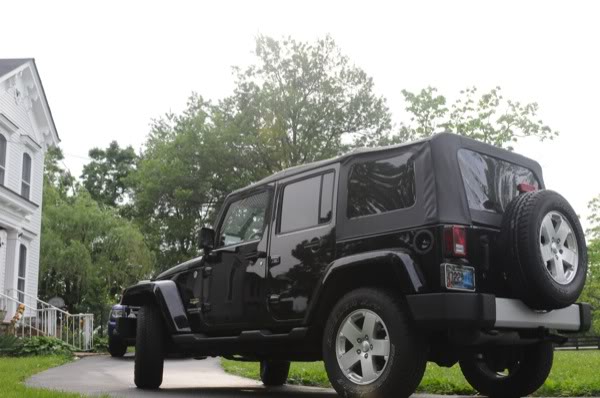
So got a Kobalt Toolbox, and niteshaded the third brake light, not that dark but dark enough. didn't get to the tails because I saw rain on the horizon. Also a few shots of the Dad's Jeep. Took these with my Dad's Camera also...
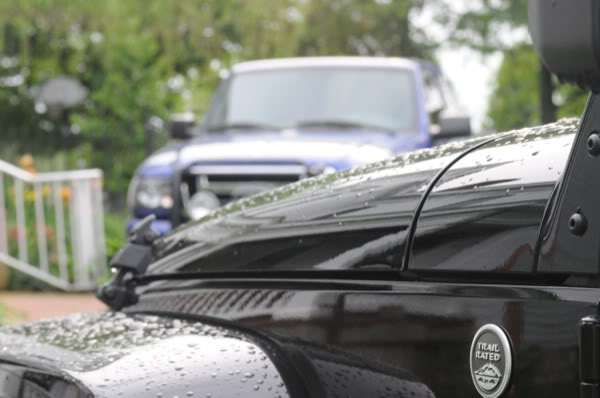
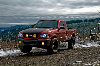

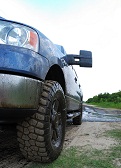

Nice shots! That one with the jeep fender emblem and the Ranger in the background is really good.
What kind of camera is it? In the picture with your bumper and tailgate I would have metered on the bumper so they background wasn't over exposed. I'm assuming since you said it was your dad's camera its a nicer one lol.
What kind of camera is it? In the picture with your bumper and tailgate I would have metered on the bumper so they background wasn't over exposed. I'm assuming since you said it was your dad's camera its a nicer one lol.
Nice shots! That one with the jeep fender emblem and the Ranger in the background is really good.
What kind of camera is it? In the picture with your bumper and tailgate I would have metered on the bumper so they background wasn't over exposed. I'm assuming since you said it was your dad's camera its a nicer one lol.
What kind of camera is it? In the picture with your bumper and tailgate I would have metered on the bumper so they background wasn't over exposed. I'm assuming since you said it was your dad's camera its a nicer one lol.

Ah yeah thats a fantastic camera. The easiest/fastest way I've figured out how to fix the overexposure is to use the exposure lock button. Now I don't know if the D300 has a actual physical button for that like the entry level DSLR's do (I'm sure you can program one) but I just point the focus bracket at what I want to be the main part of the picture, like in that example your truck and then hit the exposure lock and set up the shot. You can always fine tune it later if its too dark.

Thread
Thread Starter
Forum
Replies
Last Post
haymaker546
Snapshots
12
Feb 9, 2009 08:08 PM


