teeeeeheeeeheeeee!



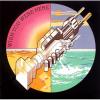
Looks good, for the wallpaper you should just use google and find a computer wallpaper you like and resize it down. This is the one I made for mine doing that, but your screen looks bigger than mine


Joined: Jul 2008
Posts: 6,575
Likes: 2
From: Las Vegas, Nevada
tomorrow i will be attempting to bypass the whole no dvd while driving deal. lol
it'll be nice to get rid of that. because i have a bunch of movies n whatnot on my ipod and you can watch them through the headunit. should be good for the drive down to cali every month or so.
it'll be nice to get rid of that. because i have a bunch of movies n whatnot on my ipod and you can watch them through the headunit. should be good for the drive down to cali every month or so.


tomorrow i will be attempting to bypass the whole no dvd while driving deal. lol
it'll be nice to get rid of that. because i have a bunch of movies n whatnot on my ipod and you can watch them through the headunit. should be good for the drive down to cali every month or so.
it'll be nice to get rid of that. because i have a bunch of movies n whatnot on my ipod and you can watch them through the headunit. should be good for the drive down to cali every month or so.
This mod uses a relay to ground the systen after the initial power is applied by using the amp activation wire (?), YouTube - Pioneer AVH-P4200DVD Bypass & AVH-P5200DVD Bypass.
Appears as an easy fix.
Mine requires two wires on the harness being connected both look simple.
Did you already get the info from the web, I think you said you have a Pioneer AVH-P4200DVD ?
This mod uses a relay to ground the systen after the initial power is applied by using the amp activation wire (?), YouTube - Pioneer AVH-P4200DVD Bypass & AVH-P5200DVD Bypass.
Appears as an easy fix.
Mine requires two wires on the harness being connected both look simple.
This mod uses a relay to ground the systen after the initial power is applied by using the amp activation wire (?), YouTube - Pioneer AVH-P4200DVD Bypass & AVH-P5200DVD Bypass.
Appears as an easy fix.
Mine requires two wires on the harness being connected both look simple.
Without it you end up with the leads attached to ground on start up and that is what you do not want.
Joined: Jul 2008
Posts: 6,575
Likes: 2
From: Las Vegas, Nevada
yes i used a relay. lol
turns out my splices just weren't "tight" enough i guess. went over the splices again and used some pliers to make sure the splices were making contact. it worked after that.
turns out my splices just weren't "tight" enough i guess. went over the splices again and used some pliers to make sure the splices were making contact. it worked after that.
Joined: Jul 2008
Posts: 6,575
Likes: 2
From: Las Vegas, Nevada
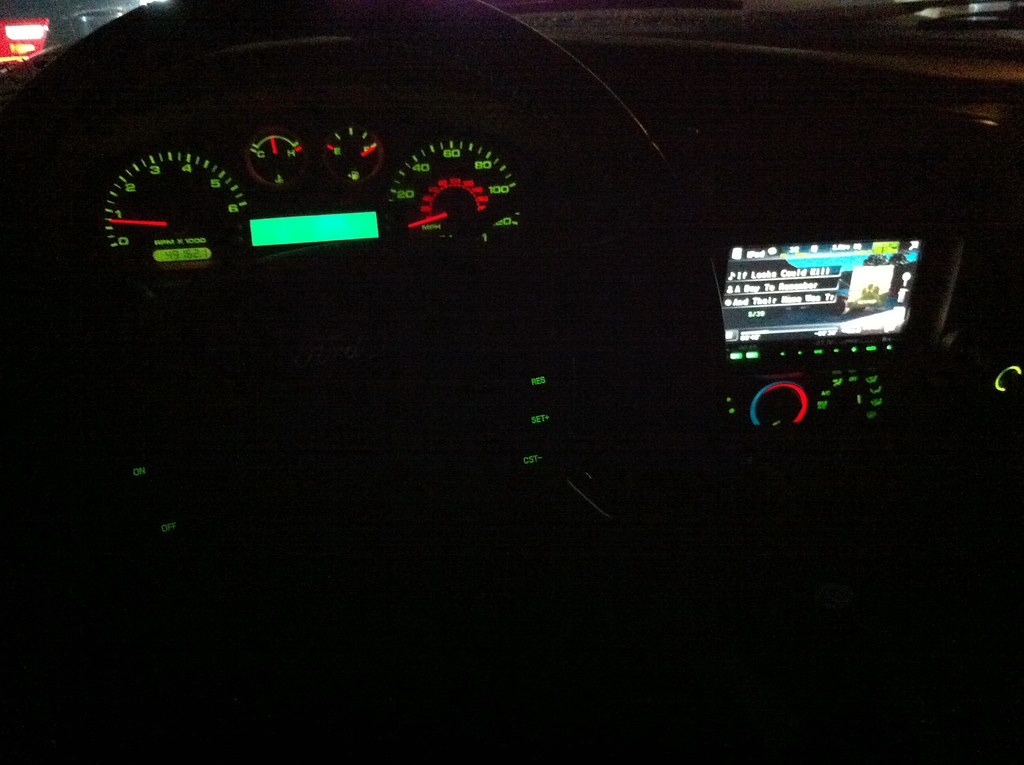
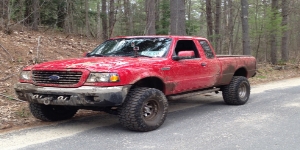
now im just having issues setting a custom background. it worked like twice. and now its a picture of my truck which is cool. but i have a pic i wanna use and its not letting me view the pics and save them to use as a background. hmm
Splices weren’t tight enough.
I hope you are going to solder the connections, if not they will continue to give you problems.
Butt connectors are not good connections, they let dirt and corrosion in and can be loose at times.
Twist the wires, twist the wires together for a good mechanical bond and solder to make a good reliable connection now and in the future. Don;t forget the Heat Shrink, I like the type with adhesive in side and they seal up after you have checked everything and it all works.
Joined: Jul 2008
Posts: 6,575
Likes: 2
From: Las Vegas, Nevada
the connections from the radio to the stock radio harness are soldered. no problems there. then just used inline splices for the DVD bypass. never had a problem with those either.

thats the same reason my ohc didnt work at first lol except in my case it was t-taps